
5 Signs Your Business Website Needs an Update

Your business website may have worked well when it was first launched, but that doesn’t mean it’s still meeting your customers’ needs. Outdated information, slow loading times, confusing navigation, and poor mobile functionality can make it harder for visitors to find what they’re looking for.
 

As your business grows and technology changes, your website should continue to support your services, customers, and marketing goals. Recognizing when it’s time for a website update can help you improve usability, maintain accurate information, and create a stronger online presence.

Why Is Keeping Your Website Updated Important?

Your website is often one of the first places potential customers go to learn about your business. Whether they’re looking for your services, checking business hours, or trying to contact your team, they expect information to be accurate and easy to access.

Regular website maintenance helps keep content current, address technical issues, and ensure important features continue functioning properly. Updates can also provide opportunities to improve website accessibility, search engine optimization (SEO), and the overall user experience.

Not every website needs a complete redesign. Sometimes updating content, fixing navigation issues, or improving mobile layouts can make a significant difference. However, recurring problems or an outdated website structure may indicate that more extensive changes are needed.
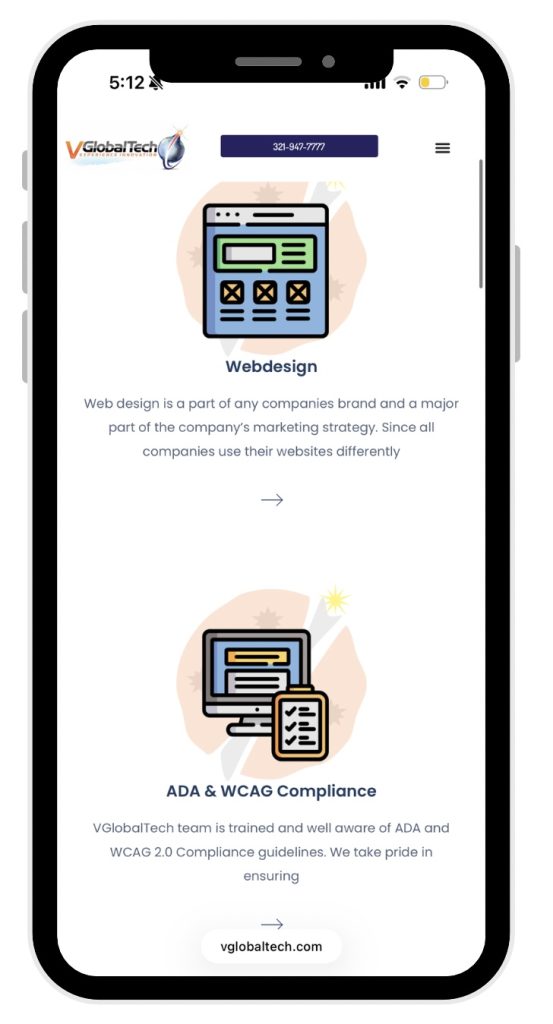
5 Signs It's Time to Update Your Website

1. Your Website Doesn’t Work Well on Mobile Devices

A website that looks great on a desktop computer may still be difficult to use on a smartphone. Small text, overlapping elements, oversized images, and buttons that are difficult to tap can interfere with mobile navigation.

Responsive web design allows a website’s layout to adapt to different screen sizes, helping visitors access information across desktops, tablets, and mobile devices.

Mobile functionality is also important for SEO because Google primarily uses the mobile version of a website’s content for indexing and ranking.

If visitors have to zoom in, scroll horizontally, or struggle to navigate your website on their phones, it may be time to improve your responsive design.

2. Your Website Contains Outdated Information

Old service descriptions, incorrect business hours, broken links, and outdated contact information can frustrate potential customers and create confusion about what your business currently offers.

Even small details matter. If someone visits your website to schedule an appointment or request a quote and finds information that is no longer accurate, they may leave before contacting your business.

Reviewing your website regularly helps ensure that your services, pricing information, images, and contact details reflect your current operations.

3. Your Website Loads Slowly

Website performance plays an important role in usability. Large image files, unnecessary scripts, outdated plugins, and other technical issues can contribute to slower loading times.

A slow website may cause visitors to abandon a page before they reach the information they need. Performance issues can be particularly noticeable on mobile devices or slower internet connections.

Google’s Core Web Vitals measure important aspects of website experience, including loading performance, responsiveness, and visual stability. Tools such as Google PageSpeed Insights can help identify potential performance problems and areas for improvement.

Optimizing images, reviewing website code, and maintaining plugins are a few ways businesses can address common performance concerns.

4. Visitors Have Trouble Finding Information

Clear website navigation helps customers understand where to go and what actions to take. When menus are confusing, pages are poorly organized, or important buttons are difficult to locate, visitors may struggle to complete simple tasks.

For example, a potential customer looking for your services should not have to search through several unrelated pages to find basic information or a contact form.

Improving navigation, organizing content with descriptive headings, and making calls to action easier to identify can create a more efficient user experience.

Website accessibility should also be considered when making these improvements. Properly labeled buttons, readable content, and keyboard-accessible navigation help make websites usable for more visitors.

5. Your Website No Longer Reflects Your Business

Businesses change over time, but their websites don’t always keep up. You may have introduced new services, updated your branding, expanded your audience, or changed how customers interact with your company.

If your website still represents an older version of your business, potential customers may not understand everything you currently offer.

Updating your website’s design, content, and functionality can help communicate your services more accurately and create a consistent brand experience.

In some cases, a few targeted updates may be enough. For businesses with outdated layouts, limited functionality, or significant structural issues, a website redesign may be the better long-term solution.

Website Update vs. Website Redesign: What’s the Difference?

Although website updates and redesigns both aim to improve your online presence, they involve different levels of work.

A website update generally focuses on improving an existing website without changing its overall structure. This may include replacing outdated content, correcting broken links, updating images, improving page speed, or adjusting individual design elements.

A website redesign involves more substantial changes to a website’s appearance, organization, or functionality. This might include developing a new layout, restructuring navigation, improving responsiveness, or updating the overall user experience.

The right approach depends on your website’s current condition and your business goals. Evaluating existing issues before making major changes can help determine which improvements are necessary.

How Website Updates Can Support SEO and Accessibility

Website improvements can also support your search engine optimization and digital accessibility efforts.

Updating inaccurate content, improving internal links, and organizing pages with descriptive headings can make your website more useful to visitors and easier for search engines to understand.

Accessibility improvements, such as meaningful image descriptions, sufficient color contrast, keyboard navigation, and properly labeled forms, help reduce barriers for people with disabilities.

While updating a website does not automatically improve search rankings or guarantee accessibility compliance, following established SEO and WCAG best practices can support a better overall website experience.

Keep Your Website Performing With VGlobalTech

At VGlobalTech, we help businesses create and maintain professional, functional websites through web design, development, SEO, and digital accessibility services.

Our team works with businesses to develop websites that reflect their goals while considering usability, responsive design, and long-term functionality.

Whether your existing website needs improvements or your business is ready for a complete redesign, VGlobalTech can help you explore solutions that support your online presence.
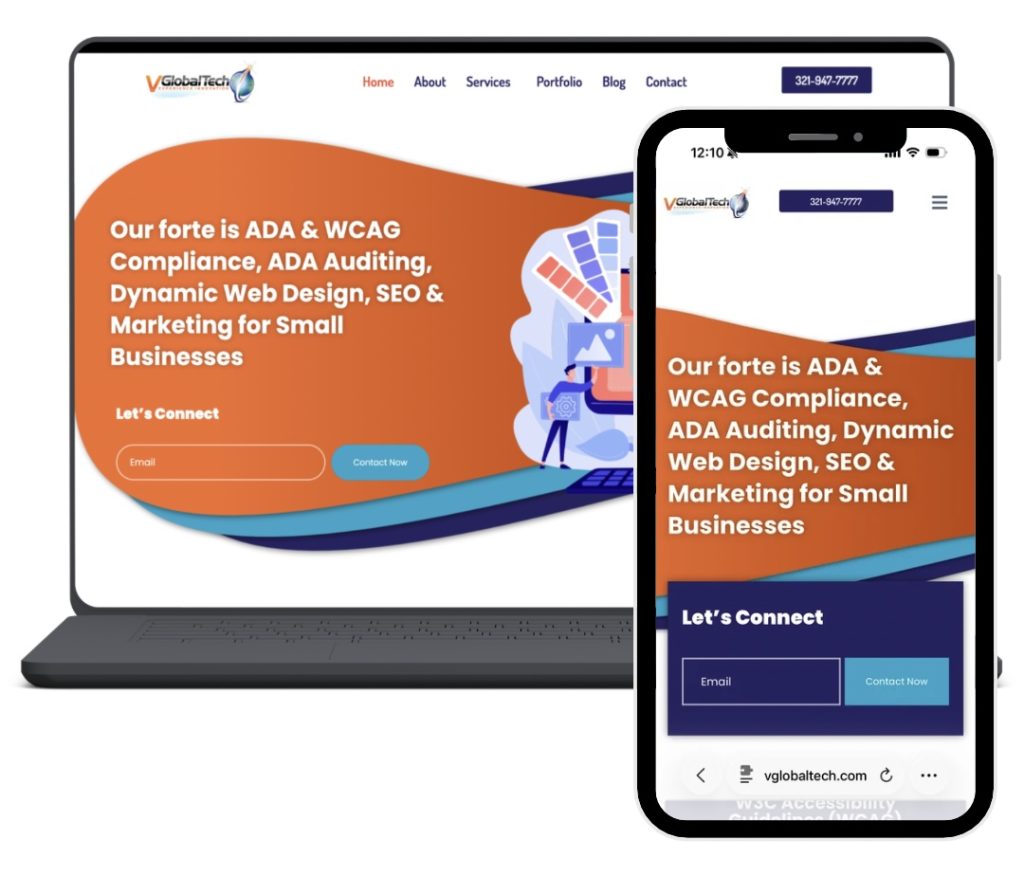
Is Your Website Ready for an Update?

An outdated website can make it harder for customers to find information, navigate your services, and connect with your business. Reviewing your website regularly helps identify issues that may be affecting its usability and performance.

Ready to improve your business website?

Contact VGlobalTech to learn more about our professional web design, website development, SEO, and accessibility services.

Visit VGlobalTech.com to get started.

What Makes a Small Business Website Effective?

A professional website is one of the most important tools a small business can have. It introduces your brand, showcases your services, and gives potential customers a way to connect with you. However, an attractive website alone does not guarantee a positive user experience.

Effective website design combines visual appeal with functionality, accessibility, and performance. When these elements work together, visitors can find the information they need and take the next step with confidence.

Why Website Functionality Matters

First impressions are important, but what happens after someone lands on your website matters just as much.

Imagine a potential customer visiting your website to learn about your services. The homepage looks professional, but the navigation is confusing, the contact information is difficult to find, and certain features do not work properly on mobile devices.

Even with an appealing design, these issues can discourage visitors from exploring further.

A well-designed website should support your business goals while making the experience as straightforward as possible for your customers.

1. Clear and Organized Navigation

Visitors should be able to understand your website’s structure without having to search through multiple pages.

Navigation menus should use descriptive labels and organize information logically. Important pages, such as Services, About, and Contact, should be easy to locate.

For example, a customer looking for a specific service should be able to find its description and understand how to request more information without unnecessary steps.

Clear navigation makes your website easier to use and helps visitors discover what your business offers.

2. Responsive Design Across Devices

Your website should provide a consistent experience whether someone visits from a desktop computer, tablet, or smartphone.

Responsive web design allows layouts, images, and other elements to adapt to different screen sizes. Without it, visitors may encounter overlapping text, difficult-to-read content, or buttons that are too small to select comfortably.

Mobile-friendly design is especially important for customers searching for businesses while away from their computers.

A responsive website helps ensure that visitors can browse your services, read information, and contact your business regardless of the device they use.

3. Accessibility for Different Users

Digital accessibility is another essential part of effective website design.

People interact with websites in different ways. Some use screen readers or keyboard navigation, while others rely on enlarged text, sufficient color contrast, or other accessibility features.

The Web Content Accessibility Guidelines (WCAG) provide recommendations for making digital content more accessible to people with disabilities.

Accessibility considerations include:

  • Providing meaningful alternative text for informative images.

  • Making interactive elements accessible through keyboard navigation.

  • Using readable text and sufficient color contrast.

  • Creating clearly labeled buttons, links, and forms.

Addressing these features can remove barriers that prevent visitors from accessing important information or completing tasks.

At VGlobalTech, ADA and WCAG accessibility services are an important part of helping businesses develop more inclusive digital experiences.

4. Website Speed and Performance

A website should not only look good but also load efficiently and respond reliably.

Large image files, unnecessary scripts, and poorly optimized website elements can contribute to slower loading times.

Performance issues may become particularly noticeable on mobile devices or slower internet connections.

Optimizing images, reducing unnecessary resources, and maintaining website functionality can improve the browsing experience.

Regular maintenance is also important since outdated plugins, broken links, and technical errors can affect how visitors interact with your website.

5. Content That Encourages Action

An effective website should clearly explain what your business does and what visitors can do next.

Service descriptions should answer common customer questions, while calls to action should provide clear directions.

For example, a business offering website development might include a brief overview of its services followed by a button inviting visitors to request a consultation.

Search engine optimization (SEO) also plays a role in helping potential customers discover relevant pages through search engines.

Using descriptive page titles, organized headings, and helpful content makes it easier to communicate the purpose of each page to both visitors and search engines.

When website content is clear and relevant, visitors have a better understanding of your services and how your business can help them.

Building a Website That Supports Your Business

A successful website brings together design, accessibility, functionality, and digital marketing. Each element contributes to the overall experience and helps your business communicate effectively with potential customers.

Whether you are building a new website or improving an existing one, focusing on usability and performance can make a meaningful difference.

At VGlobalTech, we specialize in professional web design and development, ADA and WCAG accessibility services, SEO, and digital marketing for businesses.

Ready to improve your online presence? Learn more about our services and how we can help you build a stronger website.

The Growth of Web Design

Web design has evolved significantly since the early days of the internet. What started as simple, text-heavy pages has transformed into a dynamic and interactive experience that plays a crucial role in branding, marketing, and user engagement.
The Early Days: Simplicity and Functionality
In the 1990s, websites were basic, featuring plain text, hyperlinks, and minimal graphics. HTML was the primary coding language, and web pages resembled digital brochures rather than interactive platforms. As the internet became more popular, designers began experimenting with tables, frames, and basic styling through CSS (Cascading Style Sheets).
The 2000s: The Rise of User Experience
The early 2000s brought major advancements with Flash and JavaScript, allowing for animations, interactive elements, and more engaging designs. However, Flash eventually faded due to accessibility and security concerns. The introduction of CSS3 and HTML5 revolutionized design, making websites more visually appealing and responsive across devices.
The Mobile Era and Responsive Design
With the rise of smartphones and tablets, web design had to adapt. Responsive design, which ensures that websites adjust to different screen sizes, became essential. Frameworks like Bootstrap made it easier for designers to create mobile-friendly sites without reinventing the wheel.
Modern Trends: Speed, Aesthetics, and AI
Today, web design prioritizes speed, user experience, and aesthetics. Minimalist designs, dark mode, and micro-interactions are popular trends. AI and automation also play a role in website development, with tools like chatbots and personalized user experiences becoming the norm.
The Future of Web Design
As technology advances, web design will continue to evolve. Augmented reality (AR), virtual reality (VR), and voice interfaces may shape the next generation of websites, making them more immersive and interactive than ever before.
Web design has come a long way from simple HTML pages to AI-driven, user-focused experiences. As businesses and individuals continue to rely on the internet, the demand for innovative and functional web design will only grow.